


Blackview BV100 glasses
$ 61.75
Description Blackview BV100 glasses The Glasses Blackview BV100 They're much more than just glasses: they're your smart assistant for everyday life. Thanks to their integrated AI technology, They combine a lightweight and modern design with smart features that make your routine easier, whether you're working, getting around town, or enjoying a connected experience without taking your phone out of your pocket. Designed to offer all-day comfort, The BV100 series stands out for its intuitive operation, advanced connectivity, and practical approach that perfectly complements today's digital lifestyle. Ideal for those seeking innovation, functionality, and a futuristic touch in a single device. Voice activation AI Assistant with Blackview BV100 glasses One-touch activation with your fingers: Simply tap with your finger to easily activate the AI voice assistant and unlock features such as listening to music, making calls, recording videos, and taking photos. HD Automatic Video Optimization 800W high-definition camera, 2K HD image capture, supports 1200P video recording and features a built-in anti-shake algorithm. AI automatically optimizes image quality (such as darkening and background blur). Multi-frame noise reduction and HDR synthesis. Automatically captures and syncs with your mobile device. Instructions for use of the BV100 glasses Physical button steps On/Off: Briefly press the right button for 2 seconds during startup/power off, then press and hold the right button for 5 seconds. Bluetooth pairing: Open the mobile app, search for Bluetooth devices to add them. Take photos: Briefly press the right button once (not in call mode). * Press and hold the right button for 3 seconds to turn on (Bluetooth reconnection successful) Image recording: Briefly press the right button twice to start recording (not in call mode). Then, briefly press the right button once to stop recording. Sound recording: Double-tap the right button briefly to start recording (not in call mode). Then, briefly tap the right button once to stop and save the recording. (ongoing). Call mode: Briefly press the left/right button once to answer. Then, press and hold the left/right button for two seconds to reject. Finally, briefly press the right button once to hang up (during a call). Upon waking: Briefly press the left button once to activate or cancel the AI voice assistant (in Bluetooth mode). Data transmission: WiFi transmission in any state. Delete pairing records: Press and hold the left button for 5 seconds to erase the information and pairing of the connected device. Side touch area Music mode: Right-click to pause the music (in music playback mode). Right-click on the music playback (paused music). Double-click the right mouse button on the next track (in music play/pause mode). Volume control: Slide the right slider forward (volume ) Slide the right slider back (volume – )
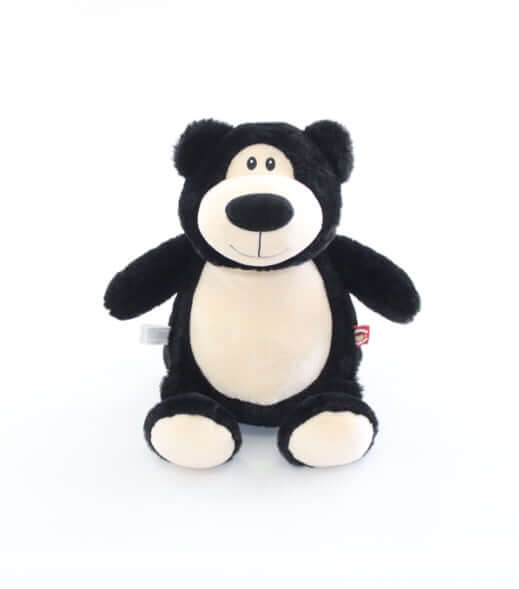 Black Bear – Cubbies Stuffed Animal Embroidery Blank
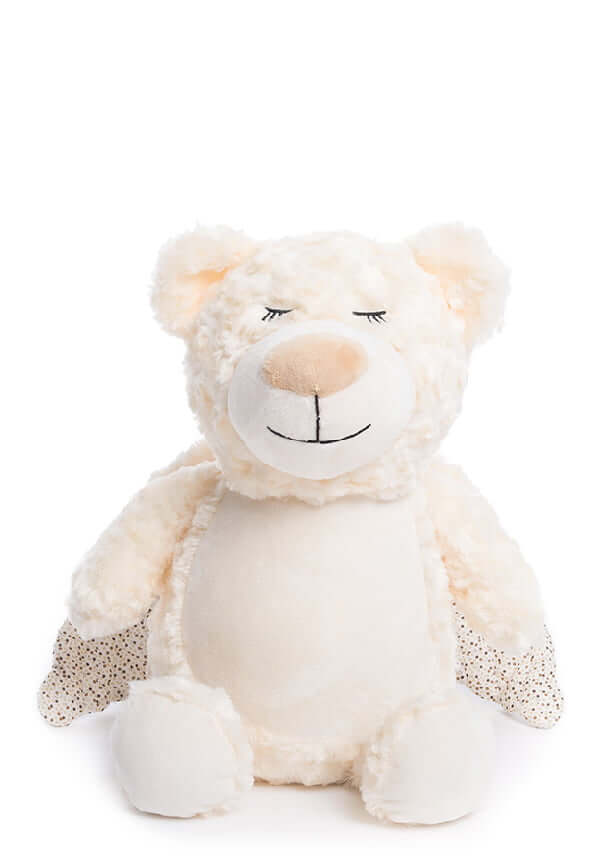 Guardian Bear – Cubbies Stuffed Animal Embroidery Blank
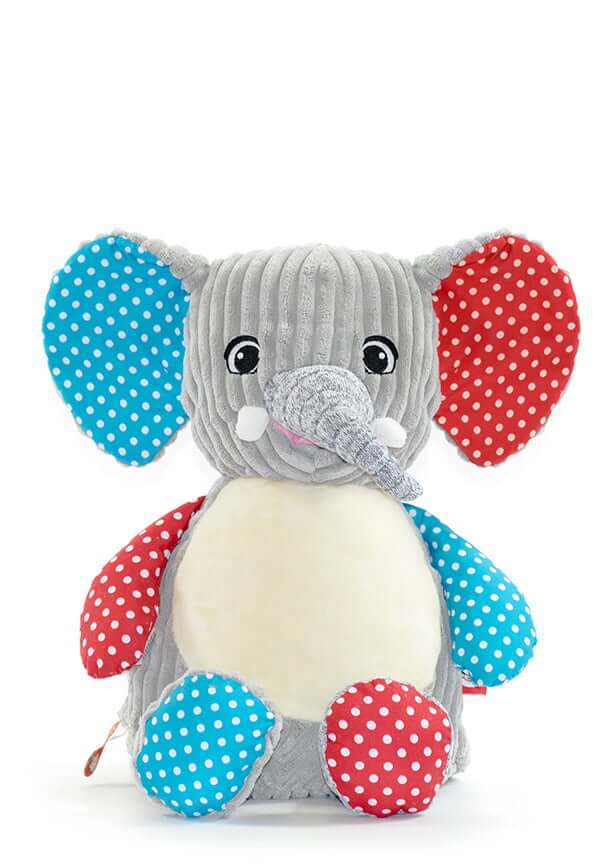 Sensory Elephant – Cubbies Stuffed Animal Embroidery Blank